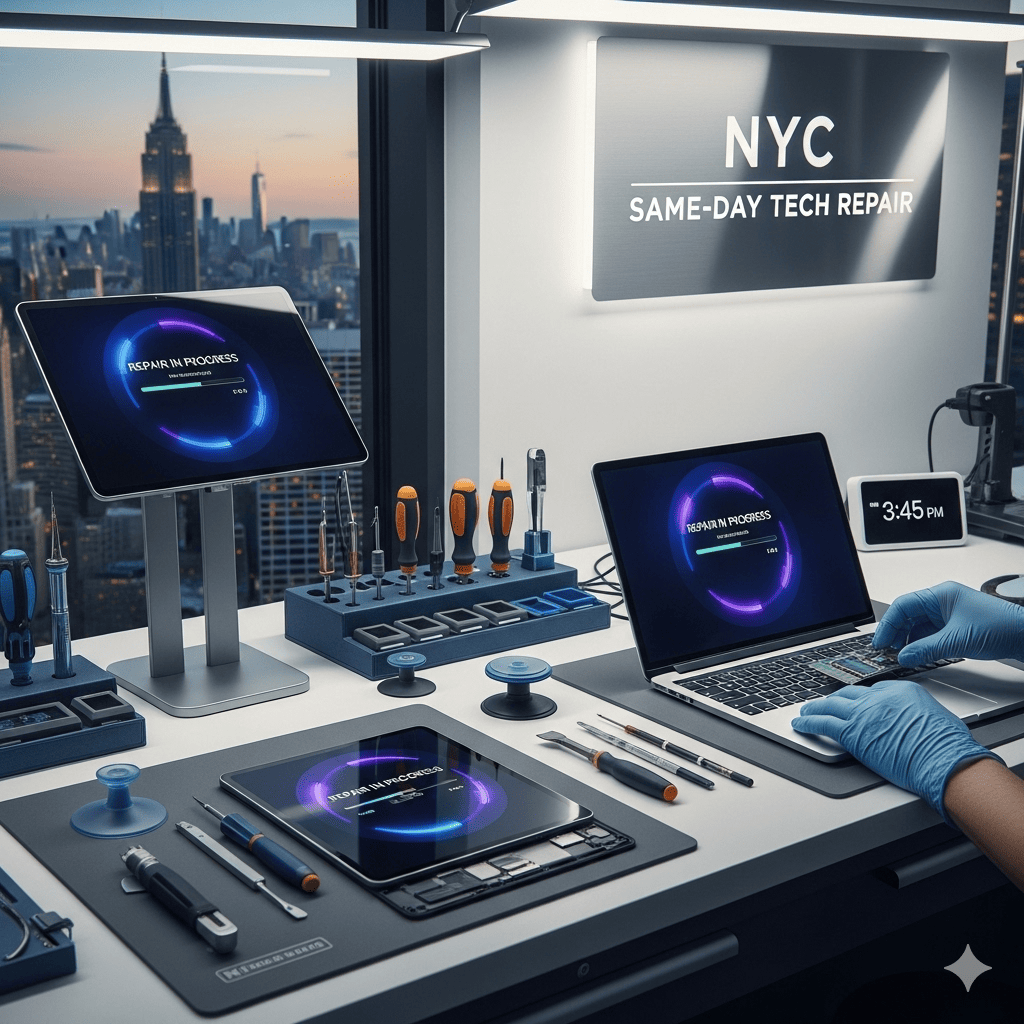
MacBook Pro Screen Repair in Midtown Manhattan NY
Is your MacBook Pro screen cracked, flickering, or displaying distorted lines? Don’t let display issues hinder your productivity. At Quick Fix, we provide professional, fast, and reliable MacBook Pro screen repair services in the heart of Midtown Manhattan.
Why Choose Quick Fix for Your MacBook Pro?
With 15 years of experience, we have established ourselves as a trusted brand for mobile, tablet, and computer repairs. We understand that your MacBook is essential, which is why we combine technical expertise with a client-centric approach.
Certified Industry Experts: Our team holds certifications from Apple, Microsoft, A+, and CompTIA.
High-Quality Parts: We use only premium-grade, genuine components for every replacement.
30-Day Warranty: We stand by our work, ensuring you have peace of mind long after you leave our shop.
Transparent Pricing: We offer free diagnostics; we provide a clear, honest quote only after assessing your specific model and damage.
Our Repair Services
Beyond screen replacements, our technicians are equipped to handle a full spectrum of MacBook Pro issues, including:
Battery Replacement
Logic Board Repair
Keyboard & Speaker Replacement
Fan Repair & System Cleaning
Hinge Tightening & General Upgrades
Water Damage? If your device has suffered liquid damage, we offer a specialized Mail-in service to ensure professional restoration and safe return shipping.
Frequently Asked Questions
Is it possible to repair a MacBook Pro screen? Yes. While minor display glitches can sometimes be resolved via software (such as resetting the SMC/PRAM or updating macOS), hardware damage like cracked LCDs usually requires a professional component replacement.
How much does a screen repair cost? Costs vary based on your specific MacBook Pro model (13-inch through 17-inch) and the extent of the damage. We do not charge for initial diagnostics, so you will always know the exact price before we begin the work.
What is the best MacBook Pro screen repair near me? Quick Fix is the premier choice in Midtown Manhattan. Our clients frequently note that our service quality often exceeds that of major retail competitors.
wordpress
MacBook Pro Screen Glitching Repair
Are you seeing blue or black horizontal lines across your display? Screen glitching can stem from various sources, ranging from loose internal display cables to more complex graphic card (GPU) failures. While some issues require hardware intervention, you can first attempt to resolve potential software-related conflicts by following these troubleshooting steps:
Reset the SMC: Perform an SMC reset to restore proper power management and display signal control.
Reset PRAM/NVRAM: Clear corrupted system memory that handles display settings and resolution parameters.
Clear System Cache: Remove accumulated junk files and temporary data that may be interfering with graphics processing.
Update macOS: Ensure your OS is running the latest version to maintain optimal performance of integrated graphics drivers.
Run Apple Diagnostics: Use this built-in utility to pinpoint whether your glitching is caused by a hardware failure or a configuration error.