

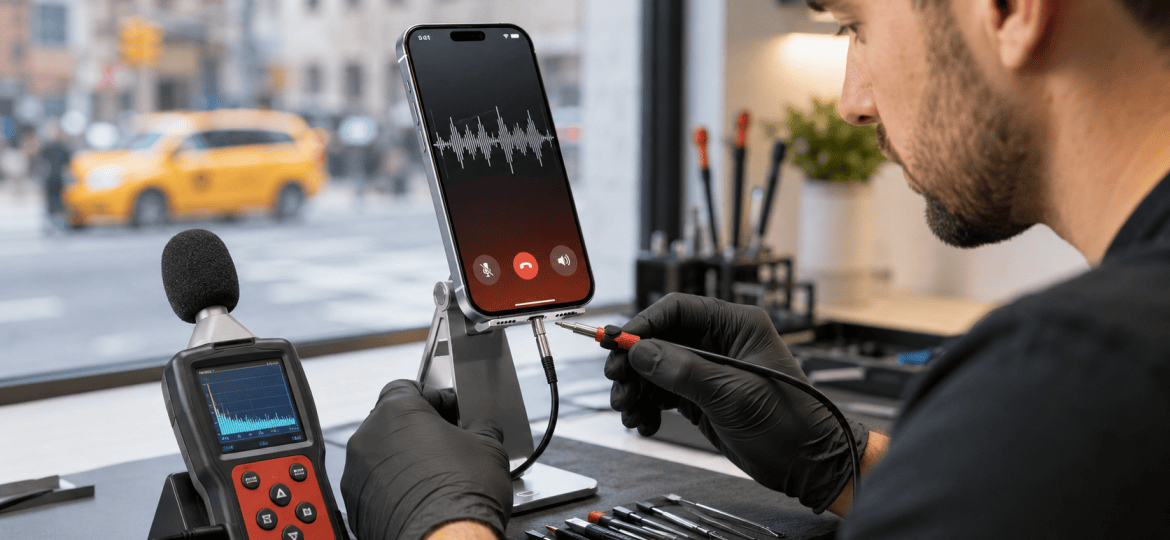
iPhone Audio Troubleshooting • Midtown Manhattan
iPhone Microphone Not Working on Calls? NYC Repair Guide
If people cannot hear you during calls, your recordings sound muffled, or FaceTime audio keeps cutting out, the problem may involve an app setting, a blocked microphone opening, liquid exposure, or damaged hardware. This guide explains a few safe checks you can try before visiting a repair shop.
Why Can’t People Hear Me on My iPhone?
An iPhone uses different microphones for calls, video recording, noise cancellation, and other features. That means the symptoms can change depending on the app you use. Common causes include:
- A case or screen protector blocking a microphone opening
- Dust, lint, or debris around the microphone area
- Microphone access disabled for a specific app
- A temporary iOS or app issue
- Liquid exposure, impact damage, or a failing internal component
Test Your iPhone Microphones Before Repair
Testing the phone in more than one app can help identify whether the issue is software-related or affects a specific microphone.
1. Make a Voice Memos Recording
Open Voice Memos, record yourself speaking normally, and play it back. If the sound is extremely low, distorted, or missing, note the result for the technician.
2. Record With Both Cameras
Record a short video using the rear camera, then another using the front camera. Play both videos and compare the audio. A problem that appears in only one recording mode may help narrow down the affected microphone.
3. Check Microphone Permission
If the microphone fails only in one app, open Settings → Privacy & Security → Microphone and confirm that the app has permission. Apple provides additional steps in its official iPhone microphone troubleshooting guide.
4. Remove the Case and Restart
Remove any case or accessory that may cover an opening, disconnect wired or Bluetooth audio devices, restart the iPhone, and test again.
What You Should Not Do
Do not insert pins, needles, metal tools, or liquids into the microphone openings. Avoid compressed air and aggressive cleaning because they can push debris deeper or damage delicate internal parts. If the phone was recently wet, turn it off when safe and arrange professional diagnostics promptly.
When Does an iPhone Microphone Need Professional Repair?
Professional diagnostics are recommended when the microphone still fails across calls and recordings after a restart, when sound is consistently muffled or crackling, or when the issue began after a drop or liquid exposure. The cause is not always the microphone itself; a charging-port assembly, flex cable, audio component, connection, or board-level issue may produce similar symptoms.
A technician should test the device before recommending a replacement. If the phone also has display damage, you can review our iPhone screen replacement cost guide for NYC.
iPhone Microphone Repair in Midtown NYC
At iPhone Repair NYC, we diagnose microphone, speaker, call-audio, charging, camera, screen, battery, and liquid-damage problems. Repair time depends on the iPhone model, the cause of the failure, and part availability. Walk-ins are welcome.
Visit us:
10 East 39th Street, 9th Floor, Suite 903
New York, NY 10016
Near Grand Central Terminal and Bryant Park
Frequently Asked Questions
Why can nobody hear me during iPhone calls?
The microphone may be blocked, the call may be routed through an accessory, or the phone may have a software or hardware problem. Test Voice Memos and video recordings to compare the results.
Why does my microphone work on video but not on calls?
Different functions can use different microphones and audio paths. If one mode works and another does not, that information can help a technician isolate the fault.
Can I clean an iPhone microphone myself?
You can gently check for visible obstruction after removing the case, but do not insert sharp objects, use liquid cleaners, or force compressed air into the openings.
Can water make an iPhone microphone sound muffled?
Yes. Moisture can temporarily affect sound and may also cause corrosion. If performance does not return or the device was heavily exposed, professional inspection is recommended.
How long does iPhone microphone repair take in NYC?
Timing depends on the iPhone model and whether the issue involves a replaceable assembly, liquid damage, or a board-level fault. A diagnostic test is needed before an accurate estimate.
Do I need an appointment?
No. Walk-ins are welcome at our Midtown Manhattan location near Grand Central Terminal and Bryant Park.
