

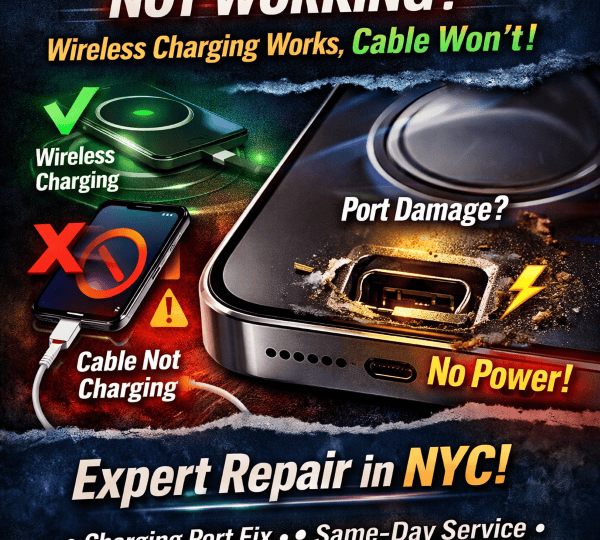
iPhone 16 Pro / 16 Pro Max Charging Port Issue: Wireless Charging Works, But Cable Won’t Charge
Lately, more customers are calling about a very specific problem:
Their iPhone 16 Pro or iPhone 16 Pro Max won’t charge through the USB-C port, but wireless charging works perfectly.
If you’re seeing this, you’re not alone—users have reported the same symptom (wired charging fails or is inconsistent while wireless still works), sometimes even after an iOS update or with the charging icon showing but battery still draining.
Below is a deep, technician-style breakdown of what’s actually happening, what you can safely try at home, and when it’s time for professional charging port repair.
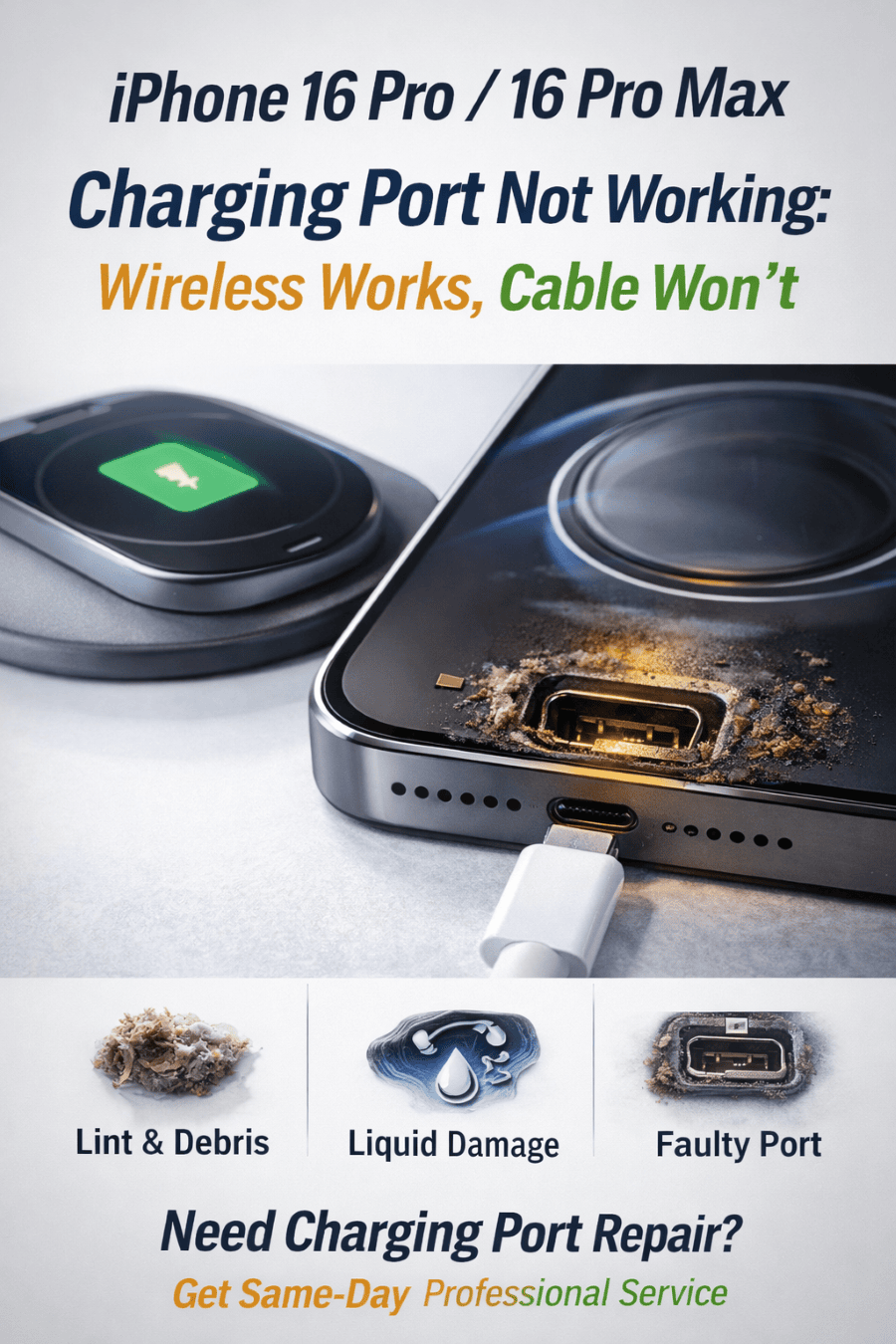
Why wireless works but USB-C doesn’t (what this usually means)
Wireless charging uses a different system than the USB-C port. So when wireless works but cable charging doesn’t, the problem is often isolated to one of these areas:
1) Lint/debris in the USB-C port (most common)
Even when the port “looks clean,” pocket lint can pack down and prevent the cable from fully seating. The phone may show a charging symbol, but power/data pins aren’t making proper contact. Apple explicitly lists a dirty or damaged port as a reason charging/accessory alerts happen.
2) Cable/charger negotiation (USB-C is picky)
USB-C uses power negotiation. If the cable, adapter, or connector is damaged—or not compatible—your iPhone may refuse to charge or behave inconsistently. Apple’s guidance is to try a different cable/adapter and connect directly (no hubs/adapters).
3) Moisture detection / “Liquid Detected” protection
Even a tiny amount of moisture or condensation can trigger protection that blocks charging through the port. Apple’s official instructions are to unplug and let the device/connector dry, then try again after at least 30 minutes (and sometimes longer).
4) Software glitch (often after updates)
Some users report wired charging returning temporarily after a restart, then failing again—especially after iOS updates.
That points to a software/firmware handshake issue… or a marginal port connection that only works intermittently.
5) Hardware fault: damaged port or internal charging circuitry
If the port is loose, pins are worn/corroded, or there’s board-level damage, wireless charging can still work while wired charging fails. There are also repair-industry cases where a bad/non-certified cable contributed to IC-level charging issues.
Safe troubleshooting (do these before you assume it needs repair)
Step 1: Try a known-good setup (fastest truth test)
Use another USB-C cable (preferably new/Apple-certified).
Use a different wall adapter.
Plug directly into the wall (avoid car USB ports, hubs, monitors, keyboards).
Apple recommends exactly this type of isolation test.
Step 2: Check for “Accessory may not be supported” alerts
If you see that message, it often means:
accessory/cable is damaged or not supported, or
the iPhone port is dirty/damaged.
Step 3: Look for moisture warnings (even if it “was never wet”)
If you ever see a liquid-detection alert:
Unplug everything
Tap the phone gently (connector facing down)
Let it dry with airflow
Try again later
That’s Apple’s official method.
Step 4: Restart + update iOS
A restart can temporarily bring wired charging back in some cases, and Apple recommends staying updated for accessory compatibility.
Step 5: Don’t do these (they cause real damage)
Don’t scrape inside the port with metal tools
Don’t spray liquids/cleaners into the port
Don’t use heat guns/hair dryers on the connector area
If charging while moisture is present, pins can corrode and the port can stop functioning.
How we diagnose this issue in the shop (what’s different from “guessing”)
When an iPhone 16 Pro/Pro Max charges wirelessly but not via USB-C, we typically test:
Cable fitment (does it click/seat fully? any wobble?)
Port condition (lint packing, bent pins, corrosion)
Power draw behavior (is the phone negotiating power or rejecting it?)
Data detection (does a computer recognize the device at all?)
Intermittent behavior (works only after restart = handshake vs physical contact)
This quickly separates:
simple port contamination,
accessory compatibility,
or true hardware failure.
When it’s almost definitely a charging port repair
You likely need professional repair if:
multiple known-good cables/adapters fail
the cable feels loose or doesn’t fully insert
you see repeated “accessory not supported” warnings with good accessories
the phone shows charging but battery still drops
wired charging works only sometimes (then stops again)
Many of these patterns show up in real-world user reports for iPhone 16 Pro models.
iPhone 16 Pro / Pro Max Charging Port Repair in NYC (Midtown)
If your iPhone 16 Pro/Pro Max won’t charge by cable but wireless still works, we can diagnose it quickly and tell you whether it’s:
debris/port blockage,
a port hardware problem,
or a deeper charging circuit issue.
iPhone Repair NYC
10 E 39th St, 9th Floor, Suite 903, New York, NY 10016
Phone: 646 698 2228
Same-day service available for most repairs.
FAQ
Why does my iPhone show the charging symbol but not actually charge?
Usually it’s a poor physical connection (lint/pins), incompatible accessory negotiation, moisture protection, or an internal port/circuit fault. Apple notes dirty/damaged ports and unsupported accessories can trigger charging problems.
Can I keep using wireless charging and ignore the port?
You can, but if the issue is corrosion or pin damage, it can get worse over time. Also, you’ll lose reliable wired charging, data transfer, and some accessories.
Is this caused by iOS updates?
Sometimes an update exposes an existing marginal connection or changes accessory behavior. Some users report the port working only after restarts post-update.
