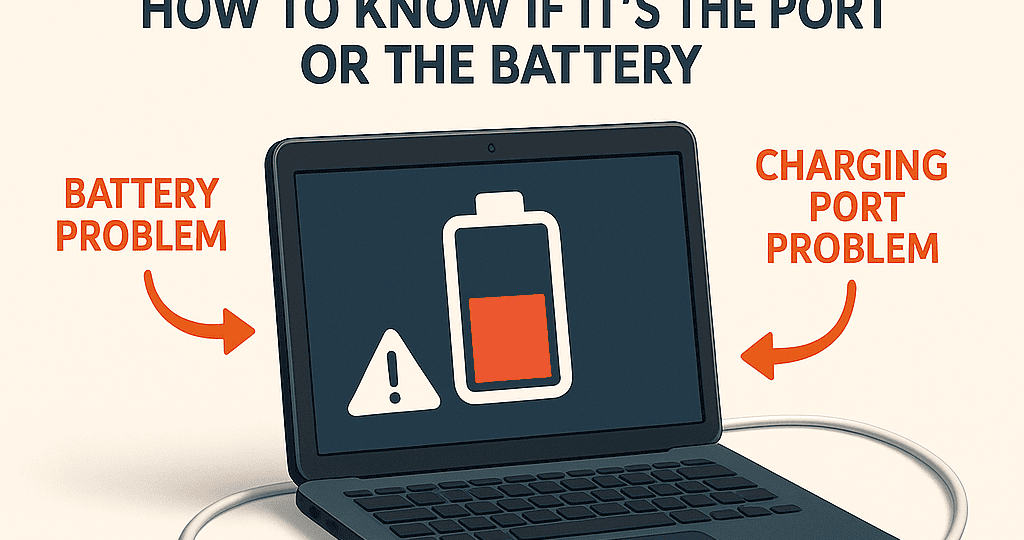
MacBook Charging Problems – How to Know If It’s the Port or the Battery
Having trouble charging your MacBook can be stressful, especially when you rely on it daily for work, school, or business. But not every charging issue means the battery is dead—sometimes the real problem is the charging port. Knowing the difference can save you time, money, and frustration.
Signs It’s a Battery Problem
Your MacBook drains quickly even after a full charge.
It shuts down suddenly at 20–30% battery.
“Service Recommended” appears in the battery status.
The laptop feels hotter than usual during use.
These are clear indicators that the battery itself is worn out and likely needs to be replaced.
Signs It’s a Charging Port Problem
The charger only works when the cable is held at a certain angle.
Your charger and adapter work perfectly with another device.
Dust, lint, or corrosion is visible inside the charging port.
The MacBook doesn’t recognize the charger at all.
If you notice these, it’s more likely that the charging port is faulty rather than the battery.
Quick Fixes You Can Try
Test with an official Apple charger and cable.
Check the charging port with a flashlight and clean it gently if you see dust.
Restart your MacBook or reset the SMC (System Management Controller).
If the issue doesn’t go away, professional repair is the best option.
Professional MacBook Repair in NYC
At iPhone Repair NYC, our technicians can quickly diagnose whether your MacBook’s charging issue is caused by the battery or the charging port. We provide fast repairs using high-quality parts, and most services can be completed the same day.
Whether it’s a worn-out battery or a damaged charging port, we’ll get your MacBook back to full power so you can keep working without interruptions.
📍 10 E 39th St, 9th Floor, Suite 903, New York, NY 10016
☎️ 646-698-2228