


MacBook Battery Service Recommended? What It Means and How to Fix It
Seeing a MacBook battery Service Recommended warning can be stressful, especially when you rely on your laptop for work or school. The good news is that it rarely means your Mac is about to die. In this guide, we explain what the message means, how to check your battery, what you can fix at home, and when it is time for a battery replacement.
What Does MacBook Battery Service Recommended Mean?
According to Apple, this status means your battery can hold less charge than when it was new, or it is not working normally. In other words, the battery has aged. You can keep using your Mac safely. However, you will probably notice shorter battery life and more trips to the charger.
On older versions of macOS, the same warning may appear as “Replace Soon,” “Replace Now,” or “Service Battery.” They all point to the same thing: the battery is wearing out. You can read Apple’s own explanation on its Service Recommended support page.
How to Check Your MacBook Battery Health
Checking your battery takes less than a minute:
- Open the Apple menu and choose System Settings.
- Click Battery in the sidebar.
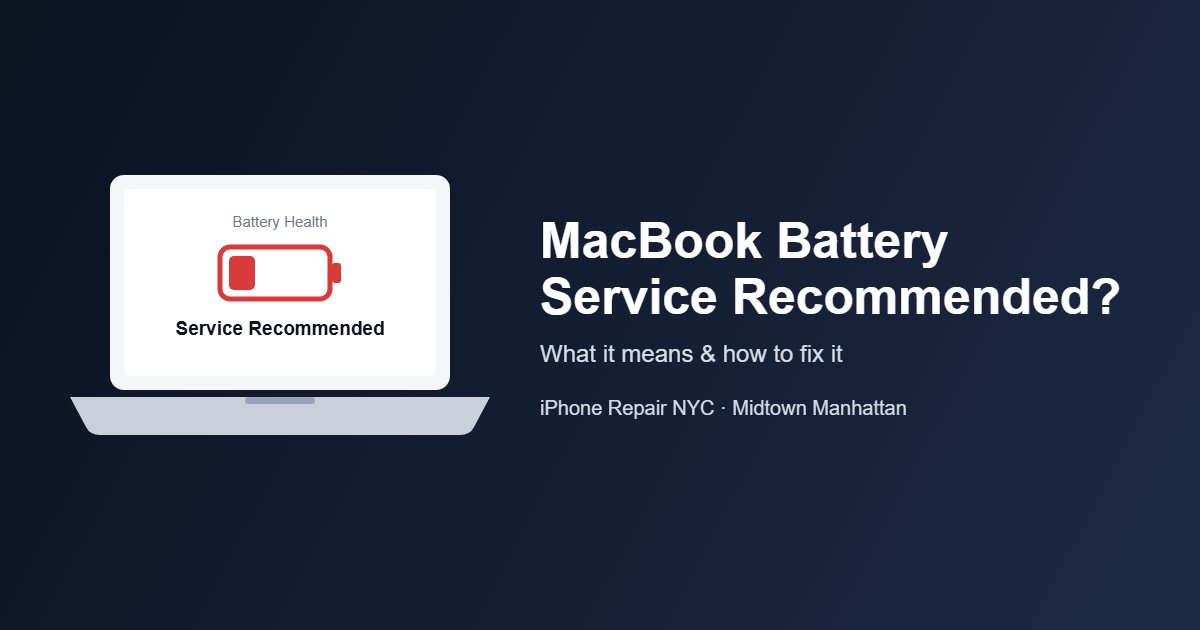
- Look at Battery Health. It will say “Normal” or “Service Recommended.”
If you see MacBook battery Service Recommended here, your battery has passed its best days. Apple also notes that third-party battery apps may not be accurate, so it is best to trust the reading inside macOS.
Check the Battery Cycle Count
The cycle count tells you how much your battery has been used. One cycle equals using 100% of the battery’s power, even if that happens over several days. To find it, hold the Option key, click the Apple menu, and choose System Information. Then select Power under Hardware.
Most modern MacBook Air and MacBook Pro models are rated for 1,000 cycles. At that point, Apple designs the battery to keep up to 80% of its original capacity. You can look up the exact limit for your model on Apple’s battery cycle count page.
Is It the Battery or the Charger? Quick Fixes to Try First
Not every charging issue comes with a MacBook battery Service Recommended alert. Sometimes the problem is not the battery at all. Before you book a repair, try these quick checks:
- Use the right power adapter. It should have the same or higher wattage than the one that came with your Mac.
- Try a different USB-C cable. Some USB-C cables only transfer data and cannot charge a laptop.
- Plug in directly. Hubs and docks may not pass full power to your Mac.
- Clean the ports. Dust and lint inside the USB-C or MagSafe port can block charging.
- Shut down and rest. Turn off your Mac, close the lid for 30 seconds, then try charging again.
- Intel Mac? Resetting the SMC can help. On Apple silicon Macs, a simple restart does the same job.
Apple lists more steps on its USB-C charging troubleshooting page. If your Mac only charges when you wiggle the cable, the cable or the charging port may be damaged.
“Charging On Hold” Is Usually Normal
Many customers think their Mac is broken because it stops at 80%. In most cases, this is Optimized Battery Charging, which pauses charging to slow down battery aging. If you need a full charge right away, click the battery icon and choose Charge to Full Now. Learn more on Apple’s battery health management page.
Warning Signs You Need a New Battery Now
A worn battery is an inconvenience. A swollen battery, on the other hand, is a safety issue. Stop using your MacBook and bring it in if you notice any of these signs:
- The trackpad feels stiff or is hard to click.
- The bottom case bulges or the laptop rocks on a flat table.
- The lid no longer closes flat.
- Your Mac shuts down suddenly, even with charge left.
- The battery drains in an hour or two of light use.
MacBook Battery Replacement Cost: Apple vs. a Local Repair Shop
If your Mac is still under warranty or AppleCare and the battery is below 80% capacity, Apple may replace it at no charge. Out of warranty, Apple’s battery service can cost up to $199 for a MacBook Air and up to $249 for a MacBook Pro, depending on the model. You can get an official estimate on Apple’s Mac laptop repair page.
| Apple (Out of Warranty) | iPhone Repair NYC | |
|---|---|---|
| Diagnostics | Included with service | Free |
| MacBook Air battery | Up to $199 | Call for a quote |
| MacBook Pro battery | Up to $249 | Call for a quote |
| Walk-ins | Appointment usually needed | Welcome |
| Warranty | 90 days | 30 days |
At iPhone Repair NYC, we test your battery and charger before you pay anything. We use high-quality parts, and every repair comes with a 30-day warranty. See our full MacBook repair services in NYC, or go straight to our MacBook Pro battery replacement in Midtown Manhattan page.
Tips to Make Your New Battery Last Longer
- Keep Optimized Battery Charging turned on.
- Avoid leaving your Mac in a hot car or in direct sun.
- Use an Apple adapter or a quality adapter with the right wattage.
- Keep macOS updated, because updates can improve charging.
- If you store your Mac for a long time, leave the battery around 50%.
Visit iPhone Repair NYC
Don’t wait until your MacBook shuts down in the middle of a meeting. If you see the MacBook battery Service Recommended message, a quick test will tell you exactly what you need. Our shop is a short walk from Bryant Park and Grand Central. Walk-ins are welcome.
iPhone Repair NYC
10 E 39th St, 9th Floor, Suite 903
New York, NY 10016
Mon–Fri: 8:00 AM – 7:30 PM
Sat–Sun: 9:00 AM – 7:30 PM
Phone: 646-698-2228
Call 646-698-2228 Contact us online
Frequently Asked Questions
Can I keep using my MacBook with Service Recommended?
Yes. Apple says you can safely keep using it. However, battery life will be shorter. If the case is bulging, stop using it and have it checked right away.
How many cycles does a MacBook battery last?
Most MacBook models made in the last decade are rated for 1,000 charge cycles. Check Apple’s cycle count page for your exact model.
Why does my MacBook stop charging at 80%?
This is usually Optimized Battery Charging, which protects the battery. Choose “Charge to Full Now” from the battery menu if you need 100%.
How long does a MacBook battery replacement take?
It depends on the model and part availability. Stop by or call us, and we will give you a time estimate after a free diagnostic.
